For many ecommerce merchants, slow page loading times quietly reduce conversions and impact customer experience. As your product catalog expands and traffic increases, your store can become heavier and less efficient over time.
Understanding how to speed up Shopify website performance an ongoing process, it is an essential part of maintaining a competitive online business. A faster website improves user experience, reduces bounce rates, and can positively affect your search visibility and overall sales performance.
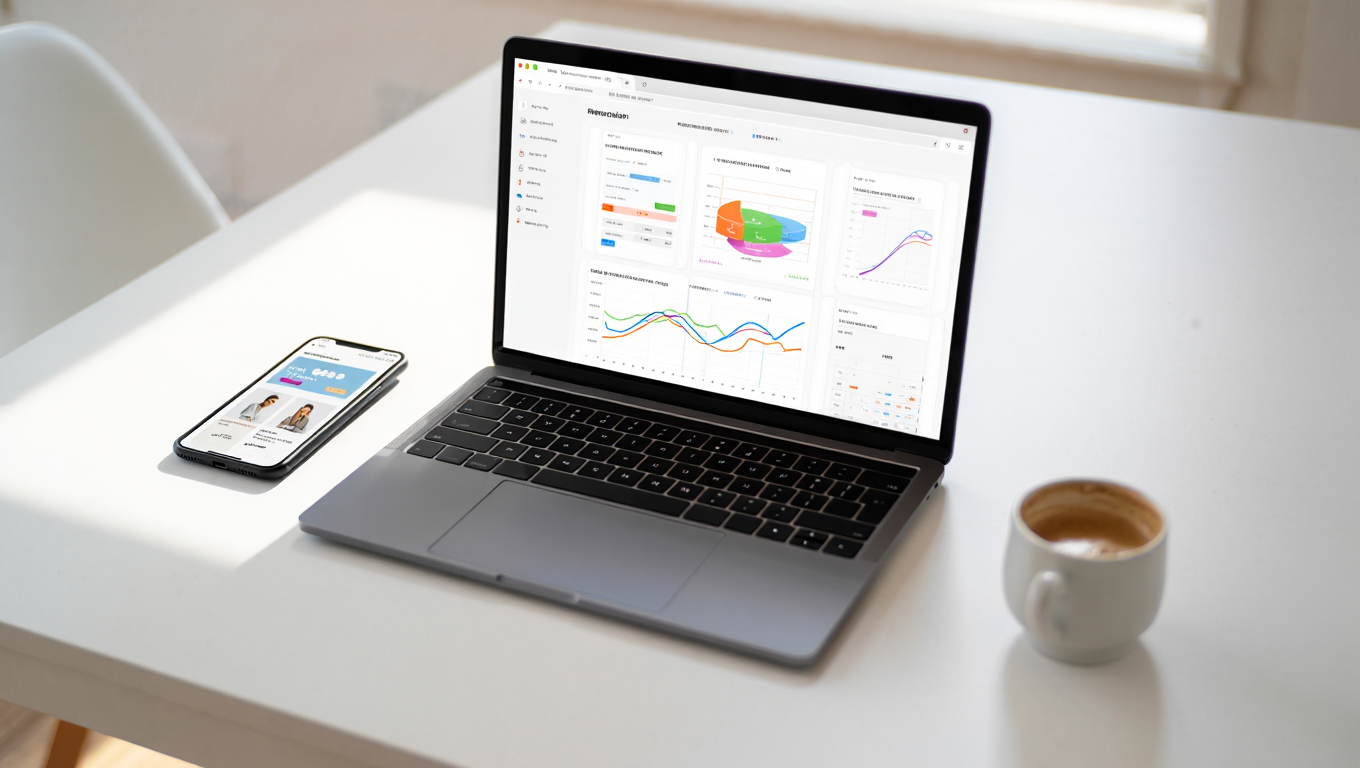
Why Store Speed Dictates Your Revenue
Even a short delay on your mobile store can cause customers to leave before they view your products. People expect websites to load quickly, especially when shopping online. If a page takes too long to open, many visitors will exit and move to another store.
Store speed also affects your visibility in search results. Search engines tend to favor websites that load faster, which means a slow store can make it harder for customers to find your products online.
More importantly, speed affects sales. A fast website makes browsing easier, keeps customers engaged, and helps them complete purchases without interruptions. If your Shopify store feels slow, improving its performance is one of the most practical ways to support both traffic and conversions.

The Technical Factors: How to Speed Up Shopify Website Performance
Performance in ecommerce development is rarely the same for every store. Many merchants focus on surface level changes, but meaningful improvements usually come from fixing the structure behind the store itself. Whether you are moving from an older platform or improving a high traffic Shopify store, understanding what affects loading speed is important for long term performance.
1. Optimize Your Image Strategy
Product images often account for the majority of a page’s total weight. If your files are too large, the browser struggles to render them quickly. Resize your assets to fit their display dimensions before you upload them. Transitioning to modern formats like WebP will significantly reduce file sizes compared to standard JPEG or PNG configurations. You can find technical details on file types at the WebP image format guide to understand why this shift matters. By serving appropriately sized and compressed images, you cut down on initial load times without sacrificing the visual quality your customers expect.
2. Audit Your Shopify App Library
Apps add necessary functionality, but every third-party plugin can inject extra JavaScript and CSS into your storefront. These scripts fire whenever a page loads, creating a bottleneck that ruins your performance. Take the time to review your installed apps and remove anything that is not directly contributing to revenue. Note that uninstalling an app does not always remove the residual code snippets from your theme. For brands needing deeper technical control, shopify custom features development can help you replace heavy third-party plugins with native, lightweight code that serves the same purpose without the speed penalty.
3. Leverage Performance-Optimized Themes
Your theme is the architecture of your store. Some premium themes are bloated with excessive animations, carousels, and complex JavaScript frameworks that provide flair at the cost of speed. Prioritize themes built for performance, those that focus on clean, minimal code that loads only what is necessary for the visitor to see. If you need help evaluating your current setup, shopify consulting can help you determine if your theme is helping or hindering your growth.
4. Core Optimization: How to Speed Up Shopify Website Mechanics
Your main content, the hero image and the product title, should always load first. However, many stores load analytics, social media feeds, and marketing widgets before the actual content. This creates render-blocking issues that stall the page. By deferring non-essential scripts, you tell the browser to finish loading the core experience before it handles the background tools. This is a common tactic for shopify speed optimization and can lead to a significant boost in your Core Web Vitals scores. For complex stores, migrating your tracking codes to a tool like Google Tag Manager can also help you manage and delay these scripts more effectively.
Simplified Backend Development
Shopify uses a template language called Liquid to render your site. Inefficient Liquid logic, such as heavily nested loops in your collection templates, can dramatically increase server response times. Streamlining these templates ensures the server sends the HTML to the browser faster. If your team is looking for a way to maintain functionality while cleaning up the backend, online store development best practices focus on keeping these templates lean and efficient.
Key Performance Checklist
| Metric | Target Goal | Why It Matters |
|---|---|---|
| LCP | Under 2.5s | Tracks main content rendering and perceived load speed. |
| CLS | 0.1 or less | Measures visual stability to prevent unexpected layout shifts. |
| TBT | Under 200ms | Quantifies main-thread blocking before user interactivity. |
| App Count | Under 20 | Reduces database payload and redundant third-party scripts. |
| Image Weight | Compressed WebP | Minimizes total page weight and cuts down transfer size. |
Conclusion
Learning how to speed up Shopify website performance is an ongoing process rather than a one-time fix. As you add new products, campaigns, and integrations, maintaining your store’s performance becomes essential to prevent slowdowns over time. Prioritize image compression, review your installed apps regularly, and keep your theme code organized and efficient.
If standard optimizations are no longer enough to meet your growth goals, it may be time for a professional audit. Whether you want to apply effective CRO strategies to ensure your fast loading pages generate conversions or you need a complete infrastructure upgrade, the team at Zissu Global can help. Reach out today to ensure your technical foundation is ready to support long term business growth.