Customer reviews are often one of the first trust signals visitors look for when they land on a Shopify store. Displaying verified Google reviews can help reduce hesitation and give shoppers confidence before they reach the cart. When new visitors arrive at your storefront, they look for reassurance that your business is trustworthy. Learning how to add google reviews to shopify website layouts is one of the fastest ways to establish social proof, pulling authenticated customer feedback directly onto your core sales pages.
The Role of Reviews in Building Trust
Consumers look for independent validation before handing over their credit card details. Unlike onsite testimonials that can be easily fabricated Google reviews often carry more weight than onsite testimonials because they are linked to real Google accounts.
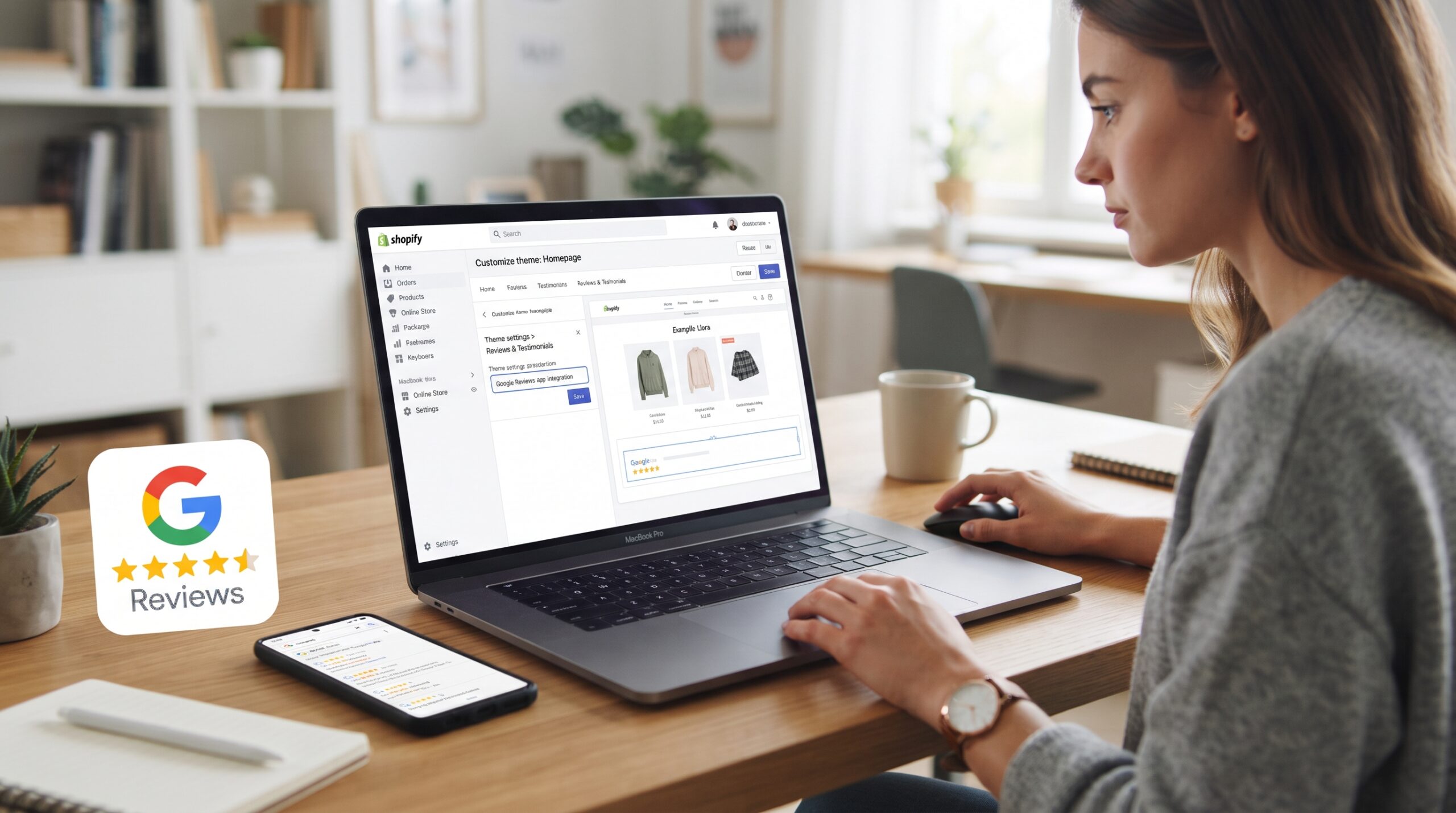
Displaying these authentic ratings directly on your site helps address customer hesitation right at the point of purchase. This transparency lowers your bounce rates, shortens the consideration phase, and boosts your overall conversion metrics. If you are struggling to build customer confidence, setting up this integration correctly is the best way to turn your existing reputation into a valuable trust signal.
The Technical Infrastructure Behind Review Syncing
Before looking into the execution steps, you need to understand how the platform processes this data. To show external feedback on your storefront, your theme needs to pull information from your Google Business Profile via an Application Programming Interface (API).
This process can be handled through automatic scripts or dedicated software widgets. The script fetches your latest ratings, formats them to match your branding, and updates the display dynamically. Making sure this data transfer occurs efficiently ensures your page loading speeds remain uncompromised while keeping your public feedback accurate and fresh.
Technical Optimization for How to Add Google Reviews to Shopify Website Layouts
Integrating external scripts can introduce performance issues if handled incorrectly. Many merchants install heavy, unoptimized tracking widgets that stall the browser, creating a frustrating experience for the visitor. Whether you are using an app or custom code, you need to balance visual social proof with underlying site efficiency.

1. Managing External Dynamic Scripts
Every time a page loads, an external review widget must send a request to Google’s servers to fetch your data. If this script is render-blocking, the browser will stop loading your images and text until the review data arrives. By ensuring these scripts load asynchronously, you tell the browser to finish loading the core storefront experience first. This is a common tactic for shopify speed optimization that allows you to display your reviews without sacrificing your Core Web Vitals scores.
2. Auditing Theme App Bloat
Using pre-built widgets from the app store is convenient, but every active plugin adds extra code to your store’s architecture. Take the time to audit your app library and ensure your review tool is not loading redundant asset files across your entire site. For brands that require deep performance control, shopify custom features development can help you replace bulky third-party apps with a streamlined, native API integration that protects your page health.
3. Implementing Proper Asset Lazy Loading
If you choose to place a large review carousel directly on your homepage, ensure the images and text blocks utilize lazy loading. This technique delays the rendering of the widget content until the user actually scrolls down to that specific section. If you need to audit how your theme handles these dynamic elements, shopify consulting can identify if your social proof configuration is limiting mobile performance.
4. Direct Theme Code Customization
When researching how to add google reviews to shopify website configurations safely, advanced merchants often opt for manual theme integration. By generating an HTML embed code from your Google Business account or an external aggregator, you can paste the snippet directly into your theme’s Liquid files. This method removes the need for background app management entirely, keeping your codebase clean. For complex storefronts, managing these custom blocks via Google Tag Manager can also help you organize and deploy the code without cluttering your main templates.
Streamlining Your Storefront Templates
Your theme uses a template language called Liquid to generate your web pages. Inefficient logic or poorly integrated code snippets in your product templates can increase server response times, leading to sluggish behavior.
Streamlining these templates ensures the server sends the HTML to the browser quickly, keeping your site responsive. If your development team is looking for a clean way to integrate social widgets while updating your backend, online store development best practices focus on keeping your product and collection layouts structured and lightweight.
Key Integration Checklist
| Metric Area | Target Goal | Strategic Outcome |
|---|---|---|
| Widget Placement | Above the fold or near cart triggers. | Maximizes visual trust instantly. |
| Script Loading | Asynchronous or deferred execution. | Prevents page rendering delays. |
| Review Filter | Isolate 4-star and 5-star ratings. | Maintains a high-converting profile. |
| Mobile Layout | Fully responsive touch carousels. | Ensures clean rendering on mobile devices. |
Conclusion
Implementing how to add google reviews to shopify website elements is a continuous trust-building strategy rather than a one-time configuration. As your business generates new feedback, keeping this integration active ensures your storefront constantly showcases updated customer validation near high-intent funnel areas. Prioritize lightweight code, monitor dynamic script behavior, and position your widgets where they actively support the buyer’s journey. Executing this social proof strategy effectively keeps your conversion rates optimized as your store scales.
If your e-commerce brand requires advanced API connections, custom review filtering, or a full theme overhaul, the team at Zissu Global is ready to assist. Contact us today to learn how our best cro strategies can turn your verified customer feedback into a support stronger conversion rates and long-term customer trust.