Ecommerce analytics tools show what happens between a shopper landing on your store and completing an order. They show which channels bring qualified traffic, which products draw attention, where customers leave, and what to test next.
Used well, ecommerce analytics tools turn data into decisions on merchandising, marketing, product pages, checkout, and retention.
Start With the Decisions You Need to Make
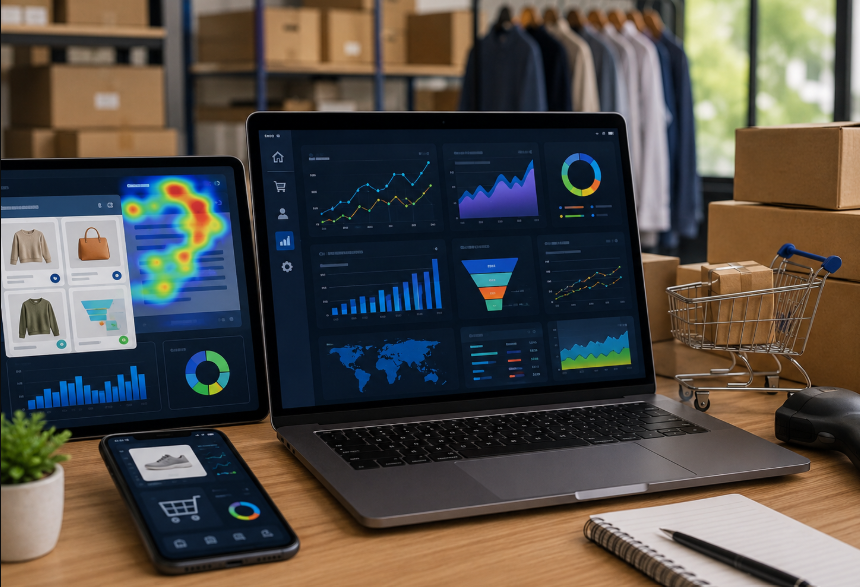
Your analytics stack should match your technical growth and business complexity, not market trends. While early-stage stores survive on basic baseline sales data, scaling brands require precise product-level analysis, multi-touch campaign attribution, and behavioral mapping.
Before auditing software, define the exact technical and operational questions your team must answer:
- Which traffic sources produce completed orders?
- Which products have strong views but weak add-to-cart rates?
- Where do mobile shoppers leave the buying journey?
- Which campaigns produce revenue after discounts, returns, and shipping costs?
- Which customer groups return and buy again?
Web analytics is the measurement and analysis of website data. For an online store, it should guide improvements to merchandising, marketing, product pages, or checkout.
Ecommerce Analytics Tools to Consider
Most Shopify stores need a small stack for sales, acquisition, behavior, and retention. The right ecommerce analytics tools answer specific business questions without creating duplicate reporting.
| Tool Type | Best For | What It Helps You Review | Useful Starting Metrics |
|---|---|---|---|
| Shopify analytics and reports | Store-level sales and customer reporting | Sales, orders, products, customers, and store activity | Net sales, average order value, returning customer rate |
| Web analytics platform | Traffic-source and campaign attribution | Landing-page performance, campaign activity, and ecommerce events | Sessions, conversion rate, add-to-cart rate, checkout rate |
| Behavior analytics tool | Finding page-level friction | How visitors click, scroll, and move through key pages | Repeated clicks, scroll depth, form issues, product-page friction |
| Email and SMS reporting | Measuring retention and campaign results | Revenue, repeat purchases, and campaign engagement | Revenue by campaign, repeat order rate, unsubscribe rate |
| Product and profitability reporting | Reviewing product-level performance | Product demand, stock movement, discount impact, and profitability | Units sold, return rate, gross margin, discount rate |
Together, ecommerce analytics tools support page-level and product-level analysis. Start with reporting already in your stack, then add another platform only when it answers a question the current setup cannot.
Shopify Analytics covers sales, sessions, orders, customers, and products. Web analytics platforms add campaign and event data, while heatmaps and session recordings can explain behavior behind the numbers.
Track the Full Shopping Journey
Do not look only at sales or overall conversion rate. Use ecommerce analytics tools to review product views, add-to-cart actions, checkout starts, purchases, refunds, and returns. Compare each stage by device, traffic source, campaign, product category, and landing page.
Weak add-to-cart activity can point to unclear images, sizing, delivery details, or value. Weak checkout completion can point to shipping costs, payment methods, discount-code searching, or checkout friction.
When you are drowning in data but lacking clear development priorities, running a structured Shopify conversion analysis prevents the costly mistake of altering critical storefront code blindly.
Check Data Quality Before Making Decisions
Reliable ecommerce analytics tools depend on consistent tracking. Confirm that product views, add-to-cart actions, checkout steps, purchases, refunds, and campaigns are recorded correctly. Test after theme changes, app installations, checkout updates, or new landing pages.
Use consistent names for campaigns, discount codes, product categories, and content tags. Have one person or team own reporting and document changes.
Product builders, subscriptions, bundles, quizzes, and third-party integrations often break standard event tracking. Leveraging specialized shopify integration services ensures that your custom tech stack correctly captures the conversion actions that matter.
Use Behavior Tools With a Clear Purpose
Heatmaps and session recordings show where visitors hesitate, click repeatedly, or miss key information. Use them when a conversion metric identifies a problem but context is needed before changing a page.
Review mobile sessions that reached a product page but did not add an item to cart. Check whether shoppers use the size guide, get stuck on a variant, or leave after a pop-up appears.
Use privacy, consent, and data-masking controls. Keep recordings away from fields where sensitive information could be entered.
Include Store Speed in Your Analytics Review
Ecommerce analytics tools can reveal a device-specific gap, such as weaker mobile engagement or lower conversion on a particular page. Slow galleries, heavy videos, scripts, or app conflicts can weaken results even when the product and offer are sound.
Review performance after new apps, theme edits, campaigns, or rich-media updates. Shopify storefront speed optimization is relevant when performance data and customer behavior point to loading issues.
Create a Weekly Ecommerce Analytics Tools Routine
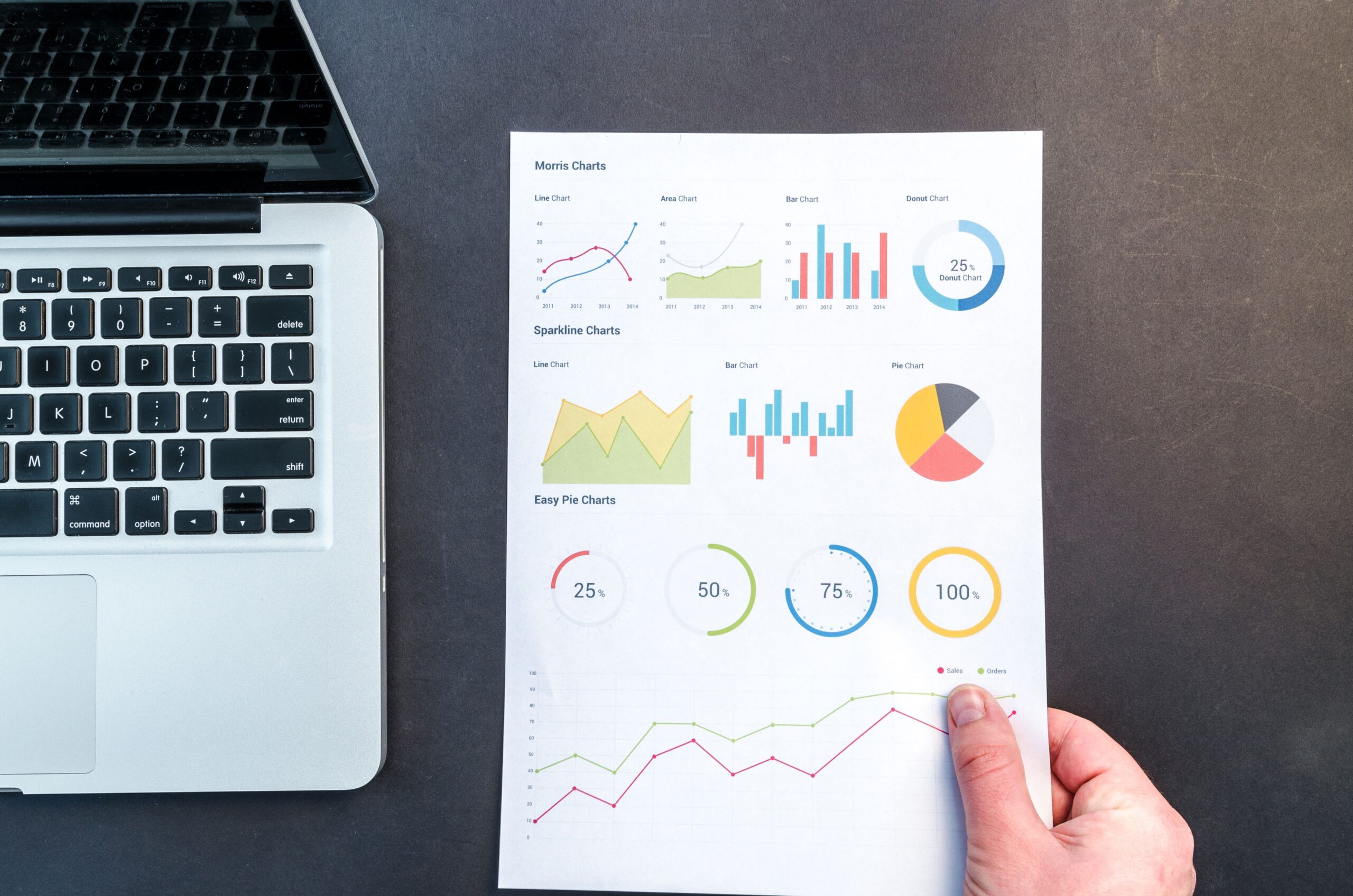
Your ecommerce analytics tools review should cover revenue, conversion rate, average order value, top products, refund rate, traffic by channel, and mobile-versus-desktop performance. Choose one question to investigate.
Document the issue, make one practical change, and compare the result against a similar period. Avoid changing page design, product price, campaign audience, and shipping offer at the same time.
Keep a record of the question, change, and outcome. It shows what improves the store and what should be left alone.
Conclusion
Ecommerce analytics tools are useful when they help merchants choose a clear next action. Start with sales and traffic reporting, add behavior tools where needed, and maintain accurate tracking as the store changes.
Zissu Global helps Shopify merchants connect analytics findings to practical improvements in product pages, checkout flow, technical tracking, and storefront performance.